My Dino Empire: How to Place Dinosaurs on a Base Pad
Hold a dinosaur you own, walk beside a base pad, and use the E PLACE prompt to place it. Full steps, what placed dinos do, and the Equip best button.
Quick answer
Hold a dinosaur you already own, stand beside a base pad at your base, and use the place prompt that appears: E PLACE on the demonstrated setup, or your device's equivalent. The dinosaur is then placed and works at the base instead of sitting unused in your collection.
Placing a dinosaur, step by step
Placement happens at the base itself. A dinosaur sitting in your collection and one working at the base are different stages: rolling builds your crew, and the base gives that collection a practical purpose.
- Have a dinosaur you want to use. Any dinosaur you already own works, such as a result from rolling — rather than one you are still only looking at. You do not need a rare collection or an optional pass before your first placement. If your crew is still empty, start with how to roll dinosaurs.
- Hold the dinosaur and walk beside a base pad. Carry the dinosaur over to one of the pads at your base and stand next to it.
- Use the place prompt. The demonstrated prompt is E PLACE. On a touch device, use the matching on-screen button instead of looking for a keyboard key.
- Confirm the result. The dinosaur connects with the base and gets placed, working at the base rather than staying only in your collection.
You know you are at an eligible pad when your held dinosaur is out and the E PLACE prompt appears. If no prompt shows, keep holding the dinosaur and move alongside another pad until it does.
What placed dinosaurs do
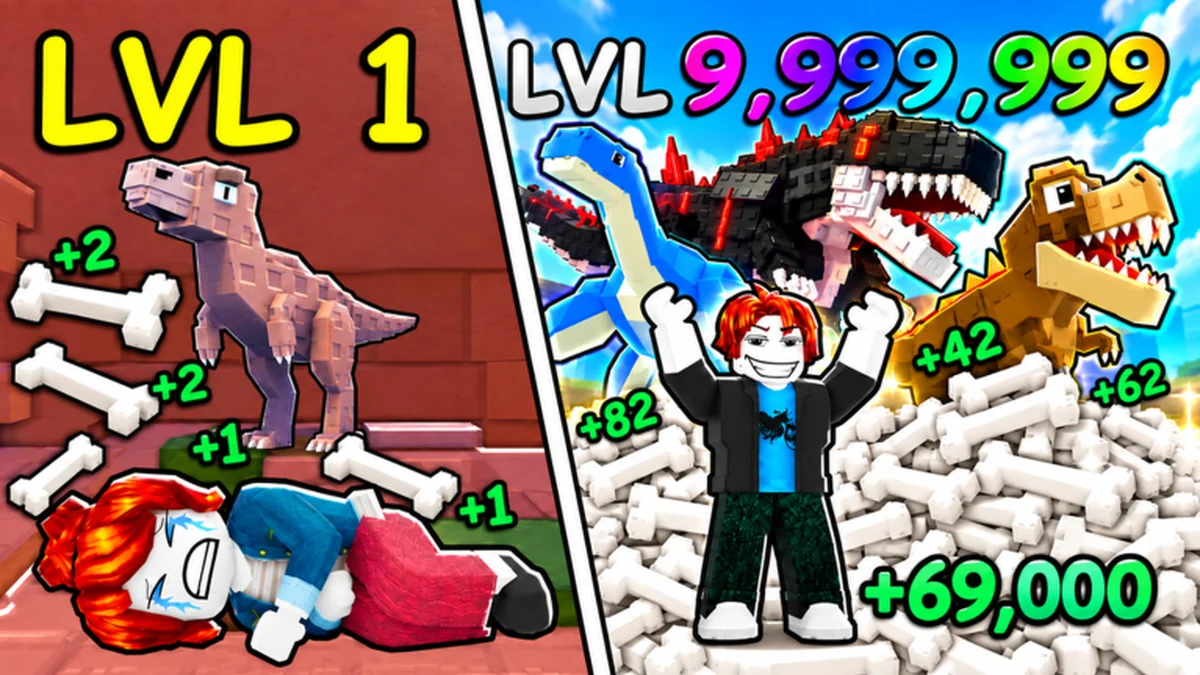
Placed dinosaurs work at the base digging up ancient bones, and selling those bones gives you money. That is what placement is for: it turns the crew you rolled into income that funds the rest of your base. The how to get bones guide covers what happens once your dinosaurs have dug up bones.
When spots on a floor run out
Placement spots on a floor can be limited. In one recorded session, extra room came from unlocking an upstairs floor, and the game's Equip best button placed the player's best owned dinosaurs onto the base at once, filling the floor with their dinos in a single press. If your collection outgrows your current floor, the base expansion guide covers opening up more space.
Related Guides
How to Roll Dinosaurs
Find the ROLL DINOS lever, learn what every roll can give you, and what to do right after.
How to Get Bones
Roll dinosaurs, place them at pads, and collect bones efficiently to keep your money flowing.
Base Guide: Parts & Upgrades
Tour every base part, see what pads, floors and the Bone Crusher do, and pick upgrades wisely.
Dinosaur List: Named Dinos
Meet all named dinosaurs, where each one appears, and which ones you can place at your base.